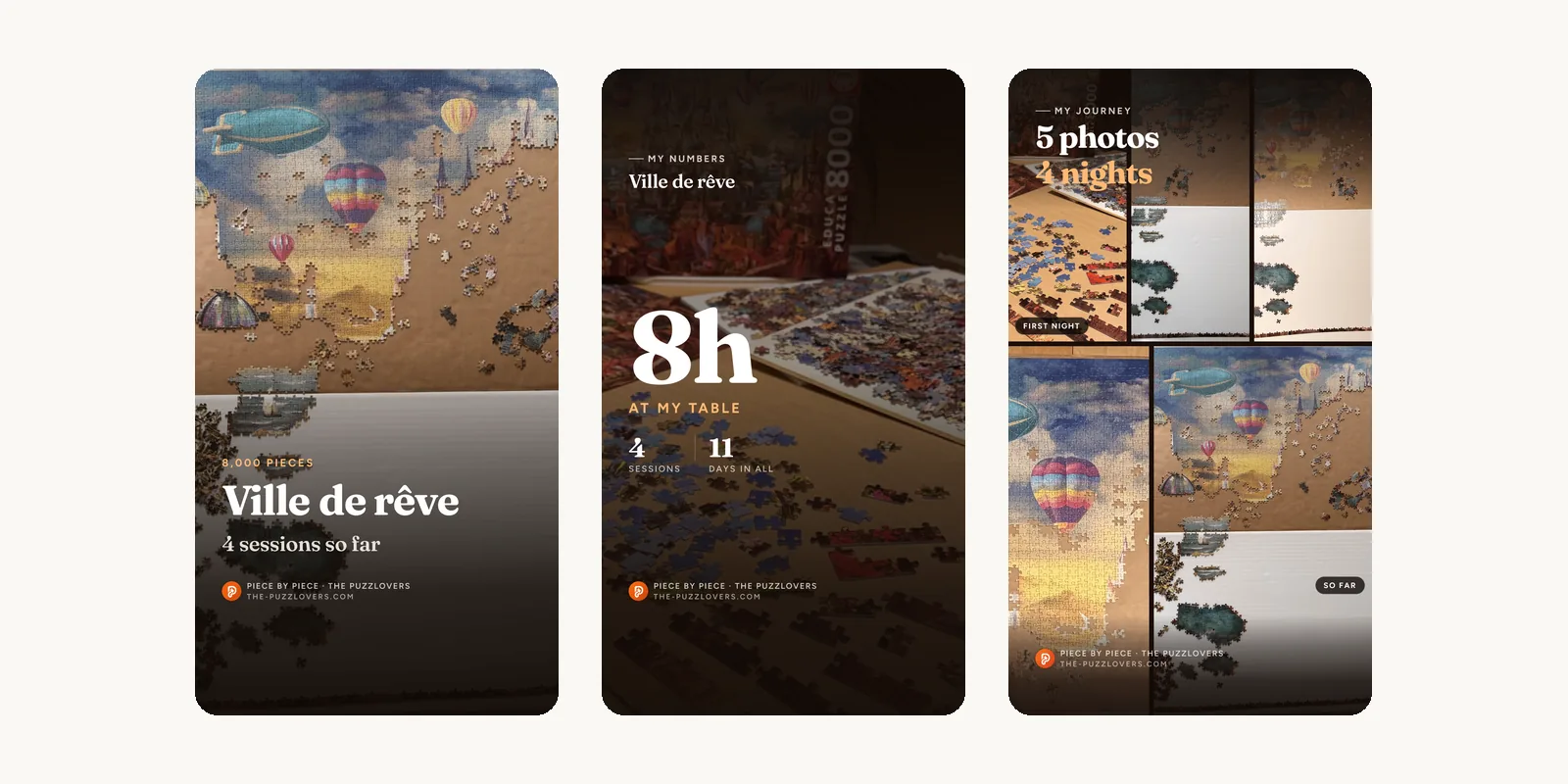

Piece by piece: first adjustments
One week after launch, your first feedback is already live: finishing a journey is simpler, your review has a place of its own, and missing pieces are declared at the end.

Guillaume
Founder of The Puzzlovers
Piece by piece is one week old. Many of you tried it, finished a first journey, and told us what got in the way. Here is what has changed since, mostly around the last piece.
Finish in a single gesture
In a step, tick "That was the last piece" and publish: the journey is finished, the page switches to "Finished" and the celebration appears right away. One tap too many? "Undo finish" puts the journey back in progress, with no wait.
The celebration no longer closes by accident from a tap beside it or a swipe: it leaves through its buttons, and only through them.
Your steps, then your review
Your steps tell your journey: what you write one evening speaks to those following it. The review speaks to those still deciding about this puzzle: the image, the piece quality, the difficulty. It appears on the puzzle's page.
The finish screen now says so plainly, and your last sentence is offered right above the field: one tap on "Use as my review" and it is in the field, ready to edit, "Undo" to take it back. Nothing is carried over without you.
Missing pieces?
Under the rating and the difficulty, a "Missing pieces" line with a counter: one tap on + and it is said. Your page then writes it out next to the date: "Journey finished · 23 October · 2 pieces missing".
Also
- After a step with a photo, the card to share is offered once the confirmation message is gone, then fades on its own. Sharing stays in the step's menu.
- Sharing adapts to your device: the card goes to your apps on a phone, downloads on a computer.
- On some journeys, cheering or publishing reloaded the whole page: fixed.
- On Android, taking a photo from the add form could wipe everything on return. The form now comes back as it was: puzzle, status, what you had written and the photos already uploaded.
- The step sheet does the same: after a reload, it reopens by itself, filled in, photo included.
- A long cheer is no longer cut short under a step.
- In the finish album, press and hold a photo to move it: the album order is the order on your page.
- Removing a photo can be undone with one tap, right under the grid, without hiding the button.
- The "+" shows the box of your puzzle in progress, and with several journeys, the most recent one.
- Published your last step without ticking the box? "Edit" still offers it, with "Save and finish".
Something still missing? The contact page is there for that, we read everything.